Photo Organization
Get Your Photos Organized
Organizing our printed and digital photos is important because it allows us to enjoy the memories we've captured and to ensure their preservation for years to come. Follow these steps below to begin the process of organizing your photos, once and for all 📸.
Get clear on the purpose
By figuring out your purpose for wanting to keep the photos, it will help direct you in how to joy-check and organize your photos. Purpose examples:
To create a physical or digital photo album for my children
To digitize all my photos and keep only a few special printed ones
To have only 1 bin of printed photos in my home
Clarifying questions: "How do I want to experience these photos? What purpose or for whom am I keeping them for? How do I want to access these photos?"
2. Centralize your photos in one location
To review and joy-check your photos, you’ll want them all in one place. For physical photos, it means gathering them into one physical area. Ideally, this is an area of the home where you can spread out the photos and create multiple piles of photos. Bonus points if it’s a space that you can leave the photos out undisturbed, if you want to continue across multiple days.
For digital photos, it means centralizing them into one general “Photos” folder on your desktop. From there, you can create different folders for each year, month, etc.
🛠️ Helpful tools: index cards or sticky notes to label the photo piles.
3. Sort and delete
Sort your photos by year and month or theme (for examples: school portraits or "specific vacation trip). Say "thank you" and goodbye to photos that are duplicates, blurry, unimportant or that feature unrecognizable subjects or scenes. The curated photos you keep should spark joy!
4. Follow the 3-2-1 storage rule (Back It Up).
The idea behind this rule is that you have:
- 3 copies of the photo saved*
- 2 different formats (for example: a physical photo & saved to an external hard drive)
- 1 format offsite in a cloud backup storage
*Depending on your purpose answer in Step 1, you may decide two saved formats will suffice.
5. Enjoy and maintain photos!
Establish a routine for reviewing new photos to joy-check and backup. Create a physical or digital album if that is joy-sparking or feel at peace just knowing that all your family's precious memories are protected and easily accessible.
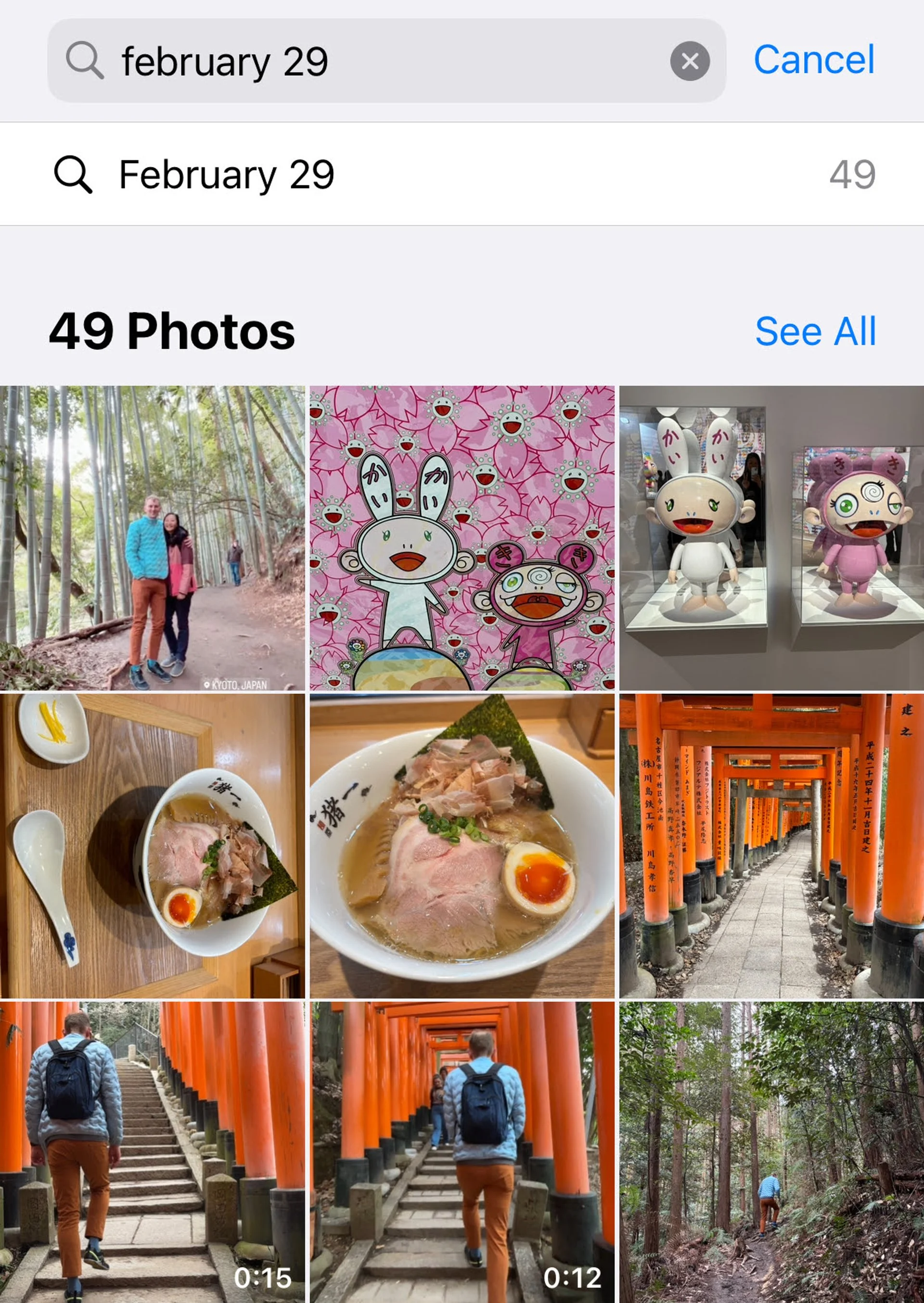
➡️ HOT TIP: Spend only 5 minutes a day clearing your phone's photos and videos by searching for the current day's date (I.e. February 29, see photo above) and joy-checking all the photos that pop up from this year and past years, too. Highly recommend you calendar it into your schedule for either daily, weekly or monthly to keep on top of your photos!